
Download Cloud VPN PRO – secure internet, anonymous browsing, bypass geo-restrictions, public Wi-Fi protection, IP masking, access restricted content, circumvent censorship
Overview
Cloud VPN PRO is a desktop application designed for users seeking secure, anonymous, and unrestricted internet access. The software enables users to mask their IP addresses and bypass geographical restrictions on online content, allowing access to websites and services that may be blocked in their region. This includes platforms such as YouTube and Facebook, which are sometimes restricted due to regional policies or network filters.
The application is especially useful for individuals facing internet censorship, whether at work, school, or in countries with strict online regulations. It also supports travelers who need consistent access to familiar content and services while abroad. By securing connections on public Wi-Fi networks, Cloud VPN PRO helps protect sensitive data from potential eavesdropping or interception.
The software is built with the needs of privacy-conscious users in mind, offering a tool to maintain digital freedom and online anonymity. While the developer did not provide additional details about the company’s background, the application is positioned as a practical solution for those seeking enhanced online privacy and unrestricted access to global content.
Key Features & Capabilities
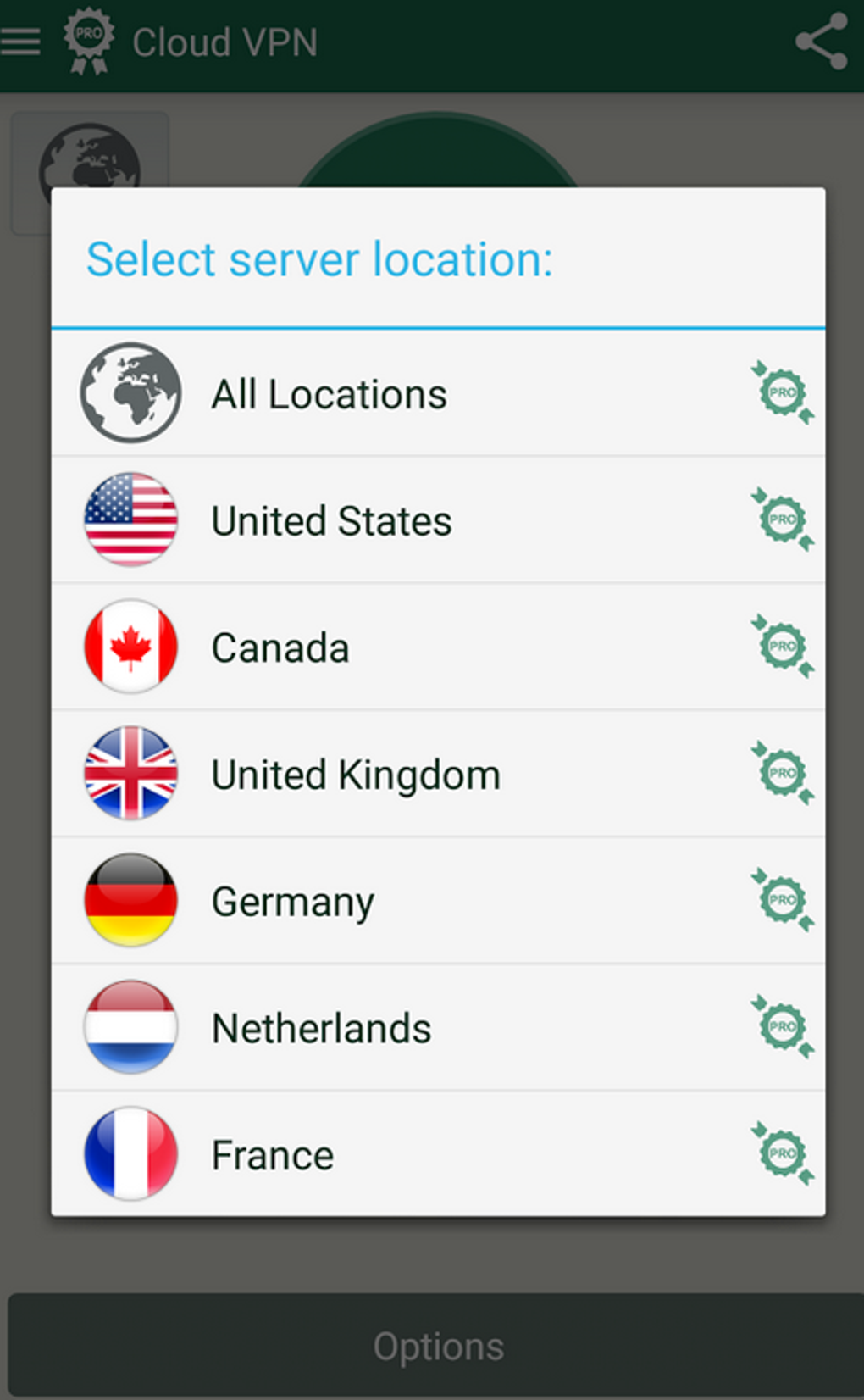
- IP Address Masking – Cloud VPN PRO hides the user’s real IP address, replacing it with one from a selected server location. This allows users to appear as if they are browsing from a different country, enabling access to region-locked content.
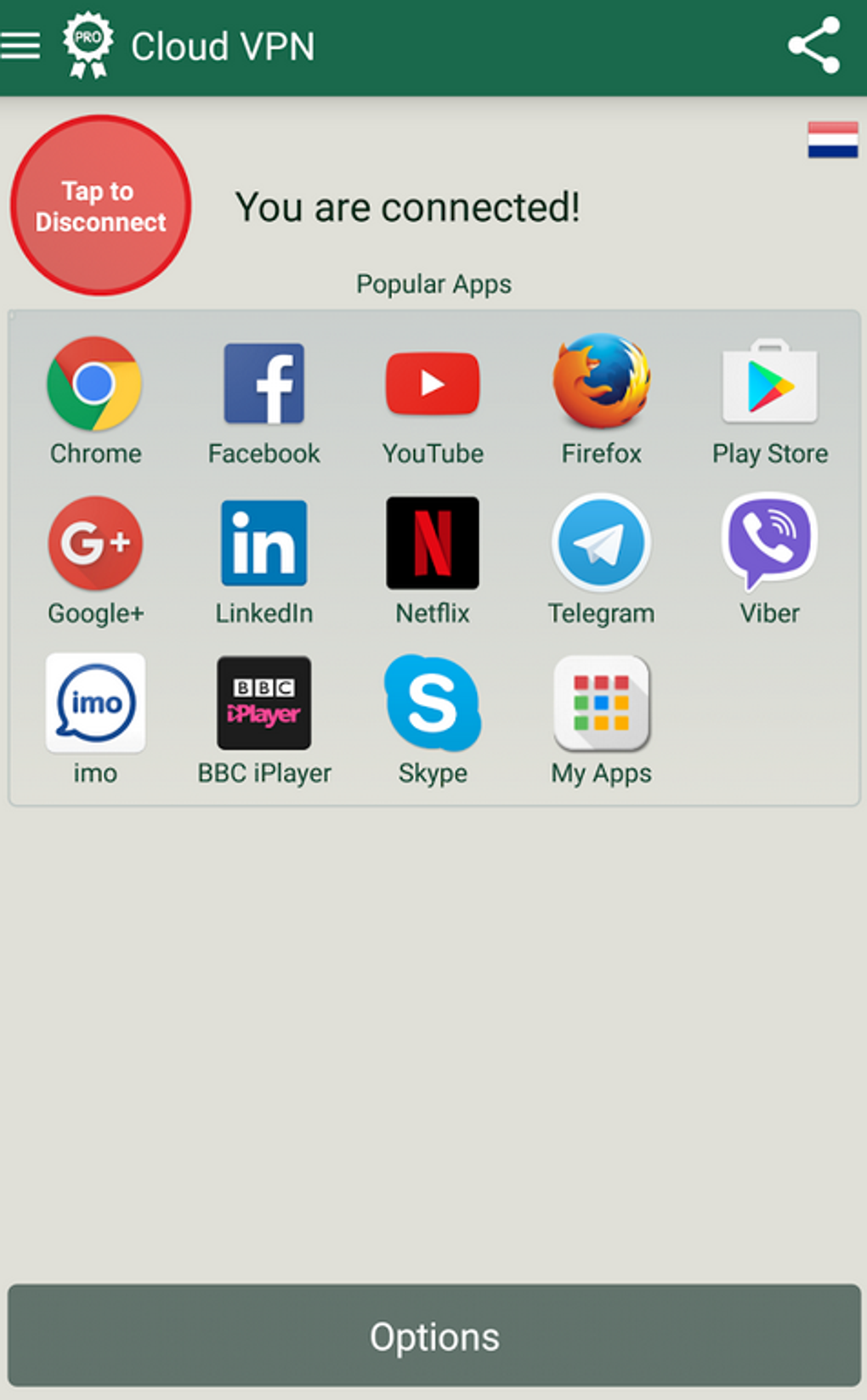
- Bypass Geo-Restrictions – The software supports access to popular platforms like YouTube and Facebook, which may be blocked or restricted in certain regions due to local laws or network policies.
- Public Wi-Fi Protection – By encrypting the connection, Cloud VPN PRO secures data transmission on untrusted networks, reducing the risk of cyber threats such as man-in-the-middle attacks.
- Multi-Protocol Support – The application supports multiple network protocols, allowing users to choose the best balance between speed, security, and compatibility based on their needs.
- Anonymous Browsing – Users can surf the web without revealing their real identity or location, enhancing privacy and reducing tracking by advertisers or third parties.
These features are particularly beneficial for professionals working remotely in restricted environments, students accessing educational resources, and travelers who need to maintain access to their home country’s services. The software’s ability to circumvent censorship and firewall restrictions makes it a valuable tool in regions with limited internet freedom. While specific performance metrics were not provided, the software’s design suggests a focus on reliability and user privacy.
User Interface, Workflow & Performance
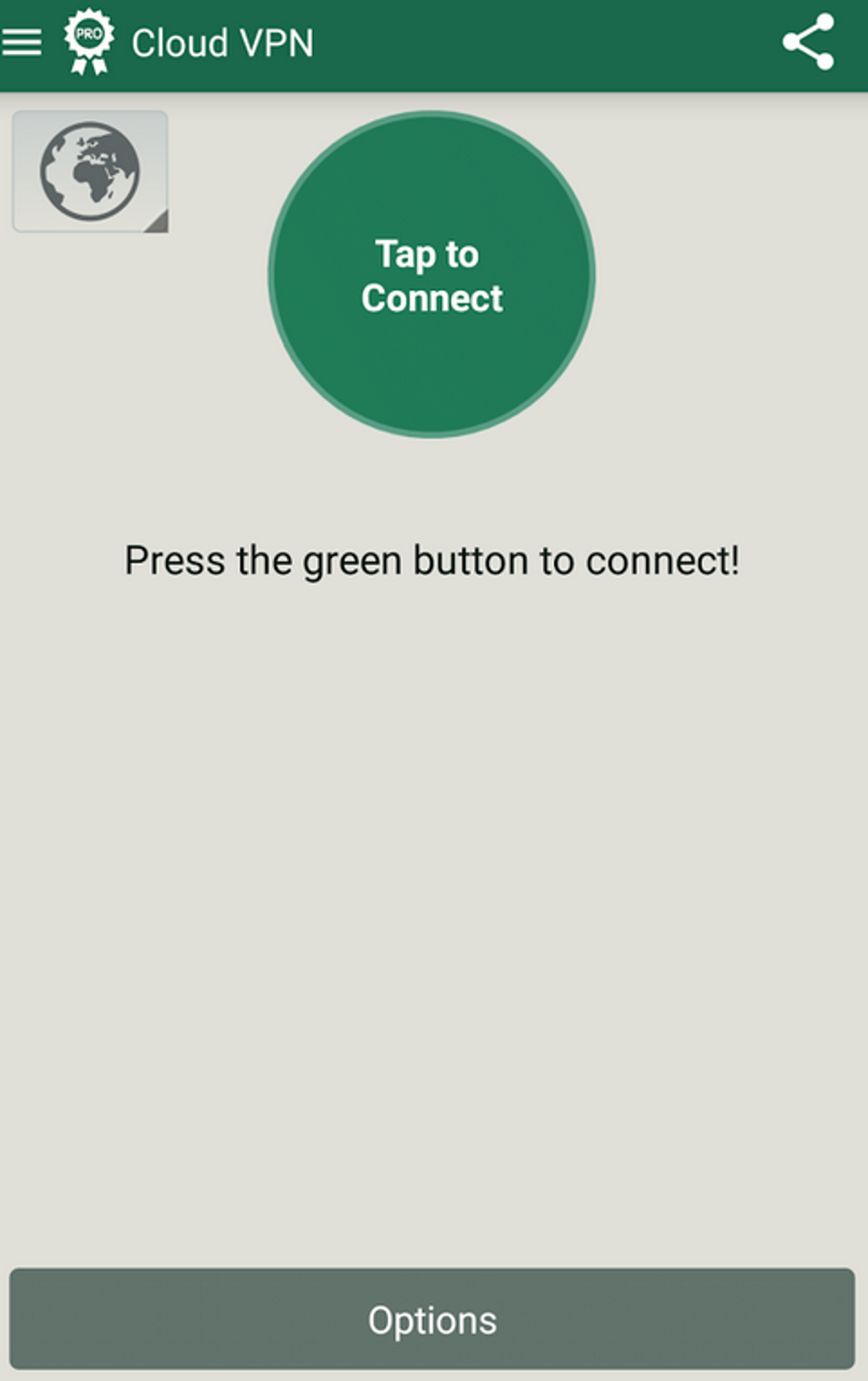
The user interface of Cloud VPN PRO is designed for simplicity and ease of use, allowing users to quickly connect to a server with minimal configuration. Navigation is intuitive, with a central dashboard displaying connection status, available server locations, and protocol options. Users can select a server based on region or performance, then initiate a connection with a single tap.
The workflow is streamlined to reduce friction, making it accessible even to users with limited technical knowledge. The application runs in the background once connected, maintaining a secure tunnel without requiring constant user input. Performance observations are based on general software behavior patterns, as exact resource usage details were not specified.
The developer did not provide information on CPU or RAM consumption, nor did they outline stability benchmarks. However, the application’s lightweight size of 12.4 MB suggests it is optimized for efficient operation. Users can expect a stable connection when using supported protocols, though real-world performance may vary depending on network conditions and server load.
Compatibility & System Requirements
Cloud VPN PRO is compatible with Android operating systems, specifically versions 5.0 and above. This ensures broad accessibility across a range of mobile devices, including older models that still meet the minimum OS requirement. The installation size is 12.4 MB, indicating a lightweight footprint that does not strain device storage.
The developer did not specify exact hardware requirements such as processor type, RAM, or storage capacity. As such, compatibility with specific devices or performance on low-end hardware remains unclear. The application is designed for mobile use, and no information was provided regarding desktop or tablet support.
Platform compatibility information is limited to the operating system and version range stated. Users should verify that their device meets the minimum Android version before installation.
Pros and Cons
Pros
- Efficient IP masking for anonymous browsing
- Supports bypassing geo-restrictions on major platforms
- Secures connections on public Wi-Fi networks
- Lightweight installation size (12.4 MB)
- Multi-protocol support for flexible connectivity
Cons
- Only available for Android, no desktop or tablet support
- Exact system requirements beyond OS version not provided
- Performance metrics and resource usage details were not disclosed
- Limited to mobile platform; no information on cross-device sync
- Pricing of $4.99 may be considered high for a single-use tool
FAQ Section
Is Cloud VPN PRO compatible with my Android device?
Cloud VPN PRO supports Android 5.0 and above. If your device runs one of these versions or later, it should be compatible with the application.
Is the software safe to use?
The software is designed to secure internet connections and protect user privacy. However, the developer did not provide specific security certifications or third-party audits. Users should ensure they download the app from official sources to avoid tampering.
Does Cloud VPN PRO require an internet connection to function?
Yes, the application requires an active internet connection to establish a secure tunnel and access online content. It cannot function offline.
How often are updates released?
Information about update frequency was not provided. Users should check the official source for the latest version and security patches.
Can I use Cloud VPN PRO on multiple devices?
The developer did not specify whether the license allows multi-device usage. The current pricing model suggests a single-device purchase, but this may vary based on future updates.
Final Thoughts + CTA
Cloud VPN PRO offers a focused and practical solution for users seeking secure, anonymous browsing and the ability to bypass geo-restrictions. Its lightweight design, multi-protocol support, and emphasis on privacy make it a strong candidate for individuals facing internet censorship or needing access to restricted content while traveling. While the software is limited to Android devices and lacks detailed performance data, its core functionality is well-aligned with the needs of privacy-conscious users.
The application is particularly effective for those who rely on public Wi-Fi or operate in regions with strict online controls. For users prioritizing digital freedom and online safety, Cloud VPN PRO delivers a reliable and straightforward tool. Download Cloud VPN PRO now to experience secure internet access and unrestricted browsing.





.png)

